Long-Form Articles
Save in-depth journalism, essays, and blog posts from The Atlantic, Medium, Substack, and more.
Your Read-it-Later Service for Boox and Kindle e-Readers
Upload documents to your e-Reader in seconds. No cables, no side loading, no hassle.
Send web articles and documents to Boox and Kindle e-readers—your read-it-later built for e-ink.
Sign up free with your email. No credit card required.
Link your Boox account or Kindle email in settings.
Add the Chrome extension for one-click saving.
Click on any article. It appears on your device in seconds.
Save articles from any website with one click. Auto-sync to your Boox device instantly.
Saved articles appear on your Boox device in seconds (typically under 30 seconds)
Encrypted credentials and secure file transfer to your Boox cloud
Support for PDF, EPUB, TXT, MOBI, and all document formats


Import and annotate research papers directly to your library and e-reader


Send highlights & notes to Notion, Google Docs, and Readwise
Save in-depth journalism, essays, and blog posts from The Atlantic, Medium, Substack, and more.
Send PDFs, research papers, and academic articles to read comfortably on e-ink.
Forward email newsletters or save web versions to read distraction-free.
Save technical docs, tutorials, and reference material for offline reading.
Catch up on daily news and opinion pieces during your commute or evening reading.
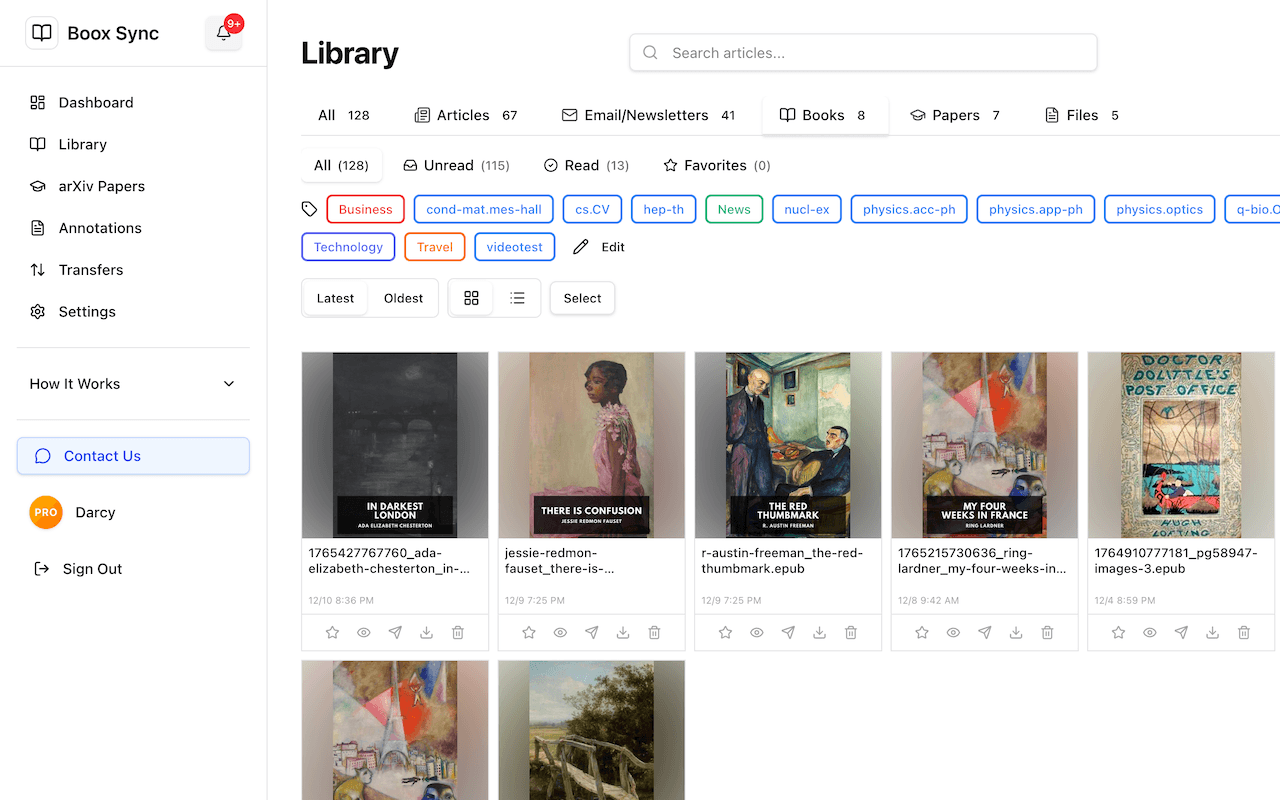
Upload your own EPUB, PDF, MOBI files to read anywhere on your e-reader.
14 Day Free trial • Then $2.99/month or $29.99/year • Cancel anytime
With Boox Sync, you can send articles to your Kindle quickly. Simply install our Chrome extension, connect your Kindle account, and save any web article—it will be delivered to your Kindle as a formatted EPUB automatically. Articles typically appear within about 1–2 minutes when connected to WiFi.
Pocket has shut down and Instapaper works with Kobo. Unlike Instapaper, which really wants you to read in its app, Boox Sync sends articles directly to your Boox or Kindle e-reader as well as our web reader. Articles usually arrive in seconds on Boox and about 1–2 minutes on Kindle, and you can read them in your e-reader's native reading app with all your preferred settings.
Boox Sync works with all Onyx Boox e-readers (Note Air, Tab Ultra, Poke, etc.) and Amazon Kindle devices (Paperwhite, Scribe, Oasis, basic Kindle). Any e-reader that supports cloud sync or Send-to-Kindle will work.
Articles typically appear on your Boox e-reader within seconds (usually under 30 seconds) and within about 1–2 minutes for Kindle devices.
Boox Sync supports PDF, EPUB, MOBI, AZW3, and multiple document types like RTF, DOCX, Markdown, and TXT files. Web articles are automatically converted to clean, readable EPUBs optimized for e-ink displays.
Works with Onyx Boox and Amazon Kindle eReaders. No app installation required.